Qualify
Decide whether the opportunity deserves a walkthrough and quote.
For contractors who run the walkthrough from an iPad
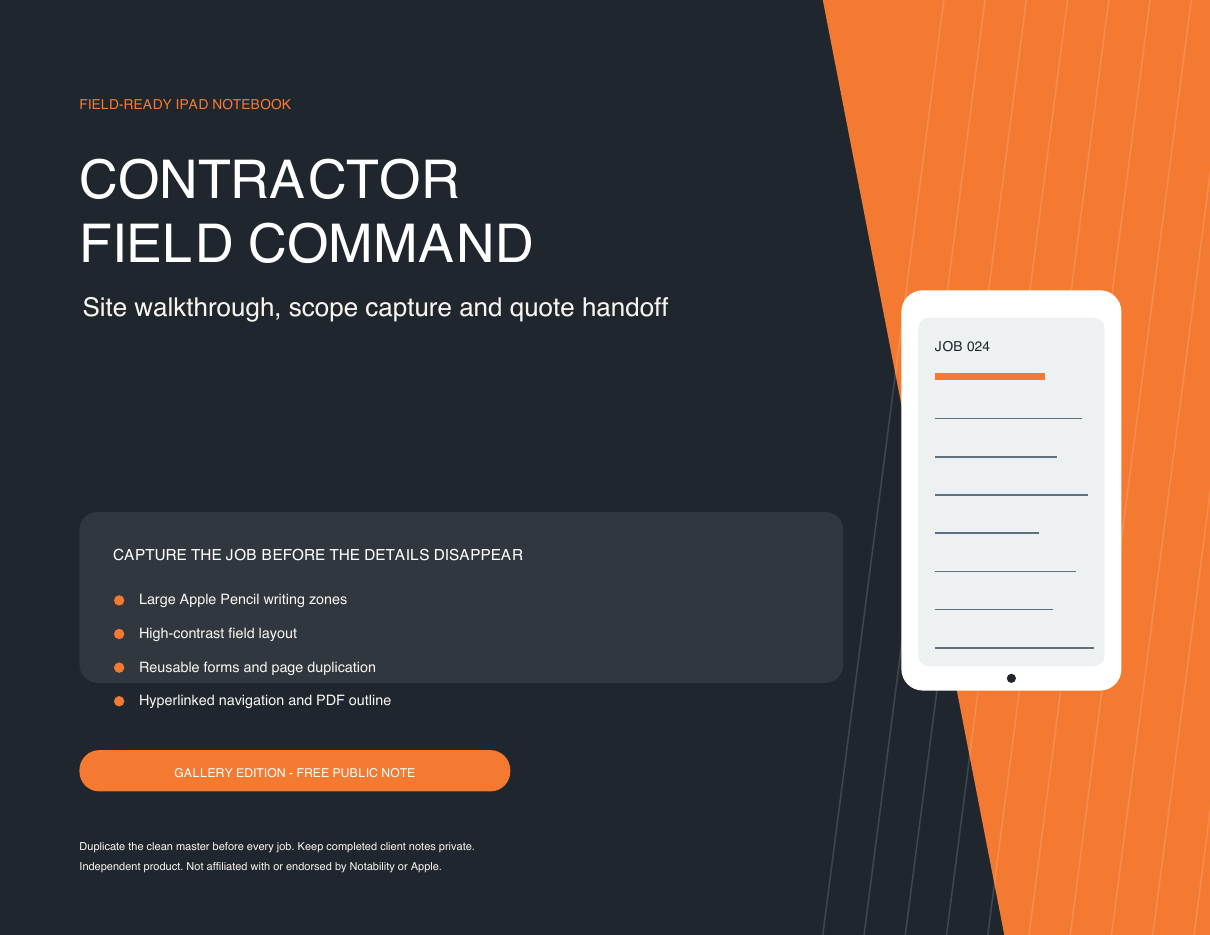
A field-ready contractor notebook that turns scattered measurements, photos, scope notes and client conversations into one controlled quote handoff.
Secure checkout and delivery are configured in test mode. Live sales open after Lemon Squeezy completes its business review.
The expensive gap
Measurements live in one note, photos in the camera roll, assumptions in someone's memory and extra-work conversations in a text thread. That is where scope omissions, slow proposals and margin leakage begin.
Contractor Field Command creates a repeatable field-to-office record without introducing another monthly platform or a custom setup project.
One field-to-quote route
Decide whether the opportunity deserves a walkthrough and quote.
Capture access, contacts, operating constraints and existing conditions.
Tie inclusions, standards, areas and unknowns to a consistent field record.
Record measurements, quantities, sketches and photo references at the source.
Carry labour, materials, equipment and explicit risk treatments into estimating.
Hand off assumptions, exclusions, options and evidence without re-reading every note.
Inside the Pro notebook
Bid / no-bid triage and a home dashboard for the opportunity.
Client, site, access, route planning and general-condition pages.
Area index, scope overview and repeatable area-detail masters.
Takeoff tables, a large sketch grid and photo-evidence logs.
Labour, materials, equipment, risk and contingency working pages.
RFI tracker, assumptions, exclusions and client-supplied items.
Quote transfer, margin guardrail and field-to-tender mapping.
Export review plus blank lined and grid pages for repeat use.
Built for the workday
Free reach. Protected paid IP.
Simple one-time pricing
Questions, answered
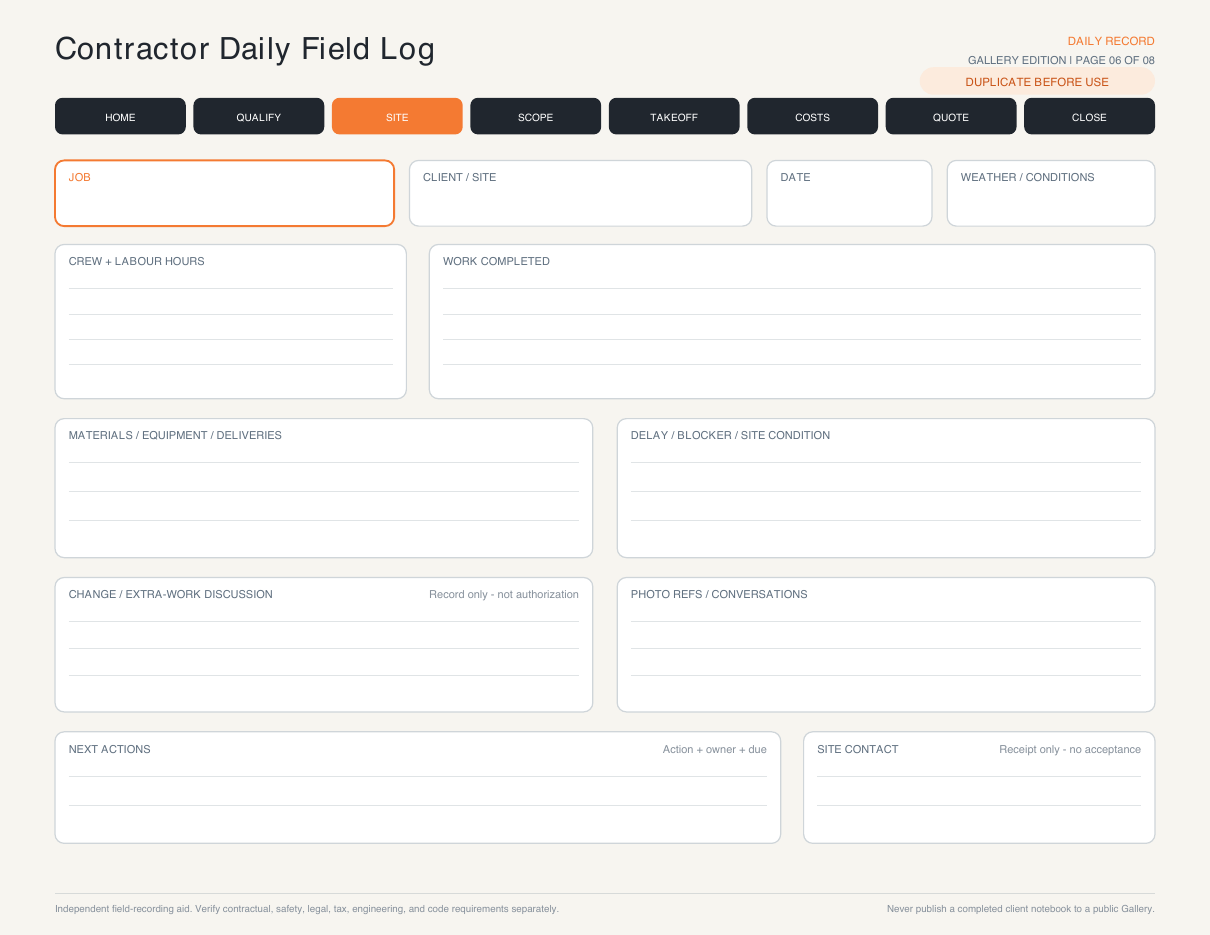
The Pro file is a multi-page PDF imported as one complete note. A separate one-page Daily Field Log is included for repeating-template use because Notability uses only the first page when a multi-page PDF becomes a custom template.
No. It captures and organizes the field inputs that belong in your approved estimating system. It avoids hidden rates and formulas that could create false confidence on a live job.
Yes. The files are standard, searchable PDFs and can be used in capable PDF annotation apps. The navigation and page-duplication experience should be tested in your chosen app.
No. The Pro notebook is retained for licensed customer use. The separate eight-page Gallery edition is the only file intended for public publishing.
No. The notebook is a field-recording aid. It does not authorize extra work, amend a contract, certify completion or replace required notices, change orders, inspections or acceptance documents.
Contractor Field Command